
⌕
Find anything quickly
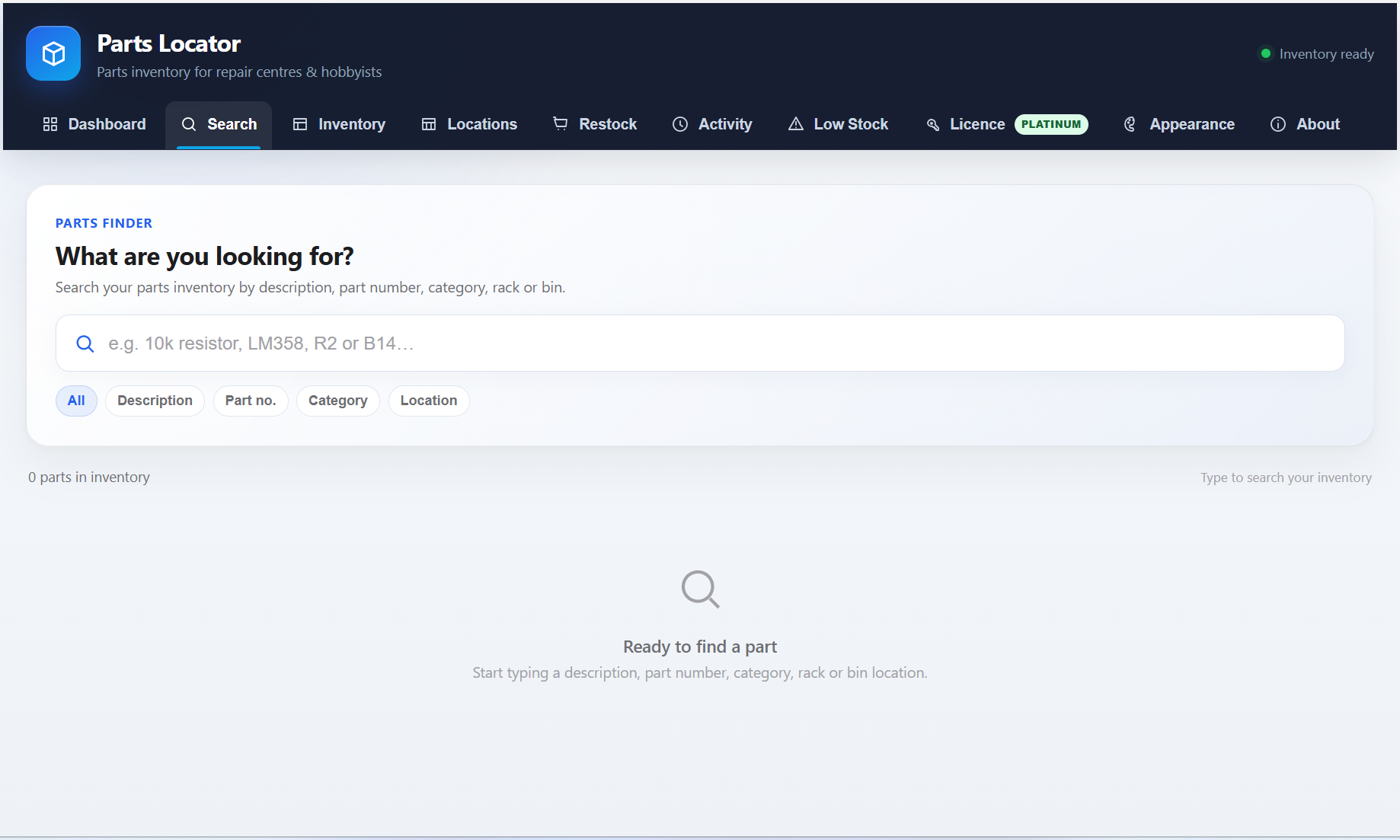
Search by description, part number, category, rack or bin.
Simple inventory software for repair centres, workshops and hobbyists. Catalogue parts, track stock, attach photos and find items by rack or bin in seconds.
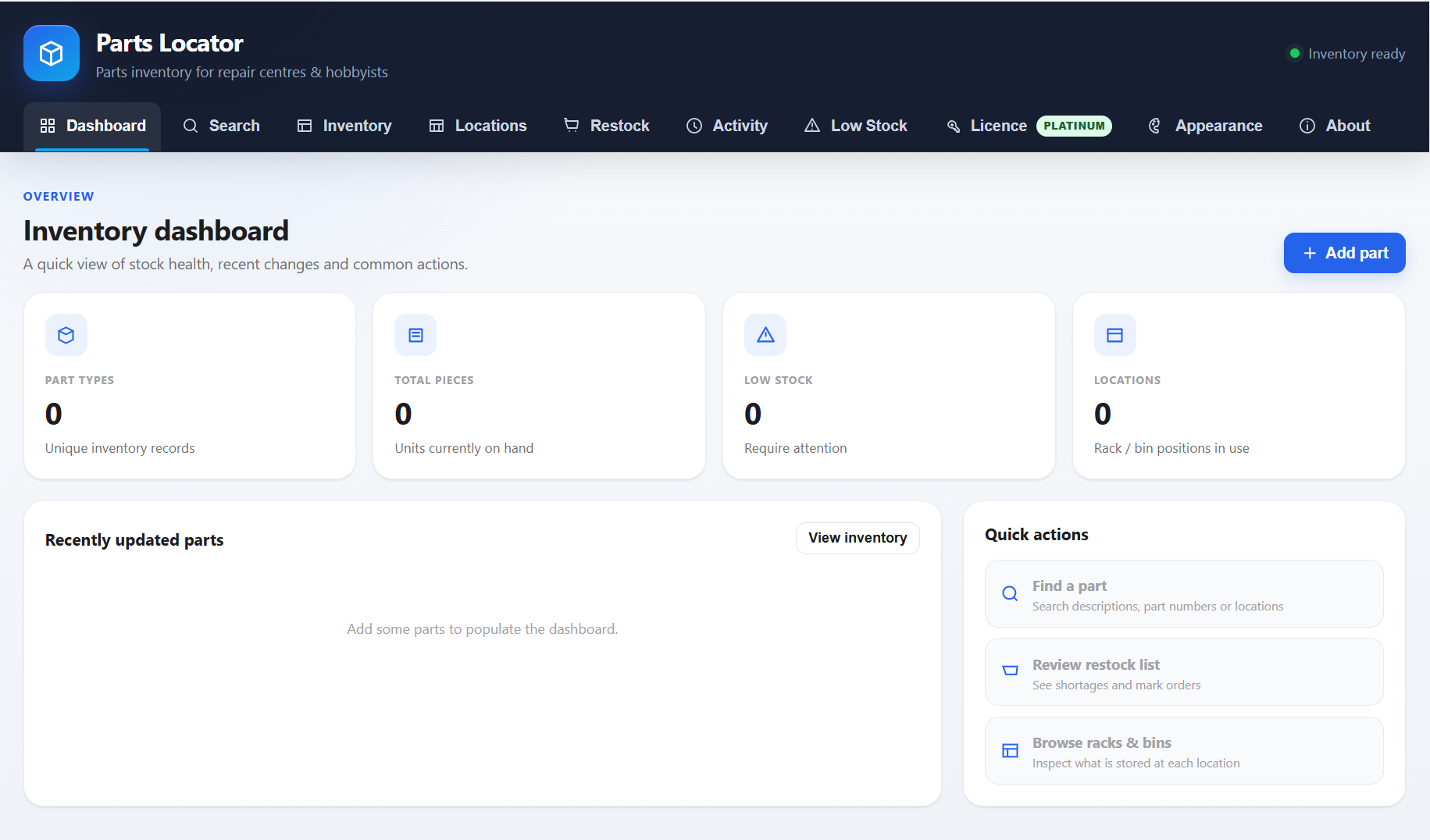
Parts Locator focuses on the practical jobs that matter in a workshop: finding items, knowing what you have, and knowing when stock is running low.
Search by description, part number, category, rack or bin.
Keep a clear physical location for every stored component.
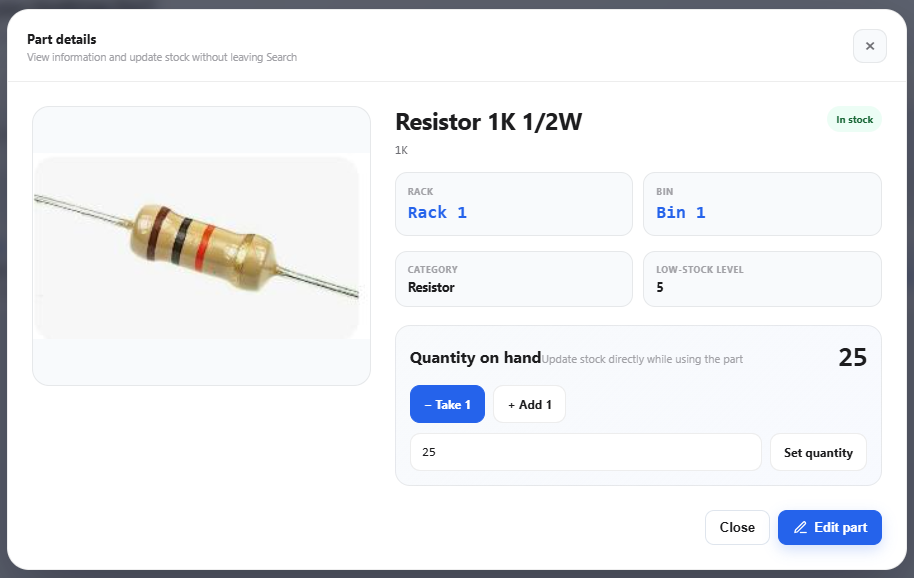
Add photographs to make similar-looking parts easier to identify.
Take one, add one or set an exact quantity from the part view.
Set minimum stock levels and automatically build a restock list.
Export packages, import CSV files and maintain full backups.
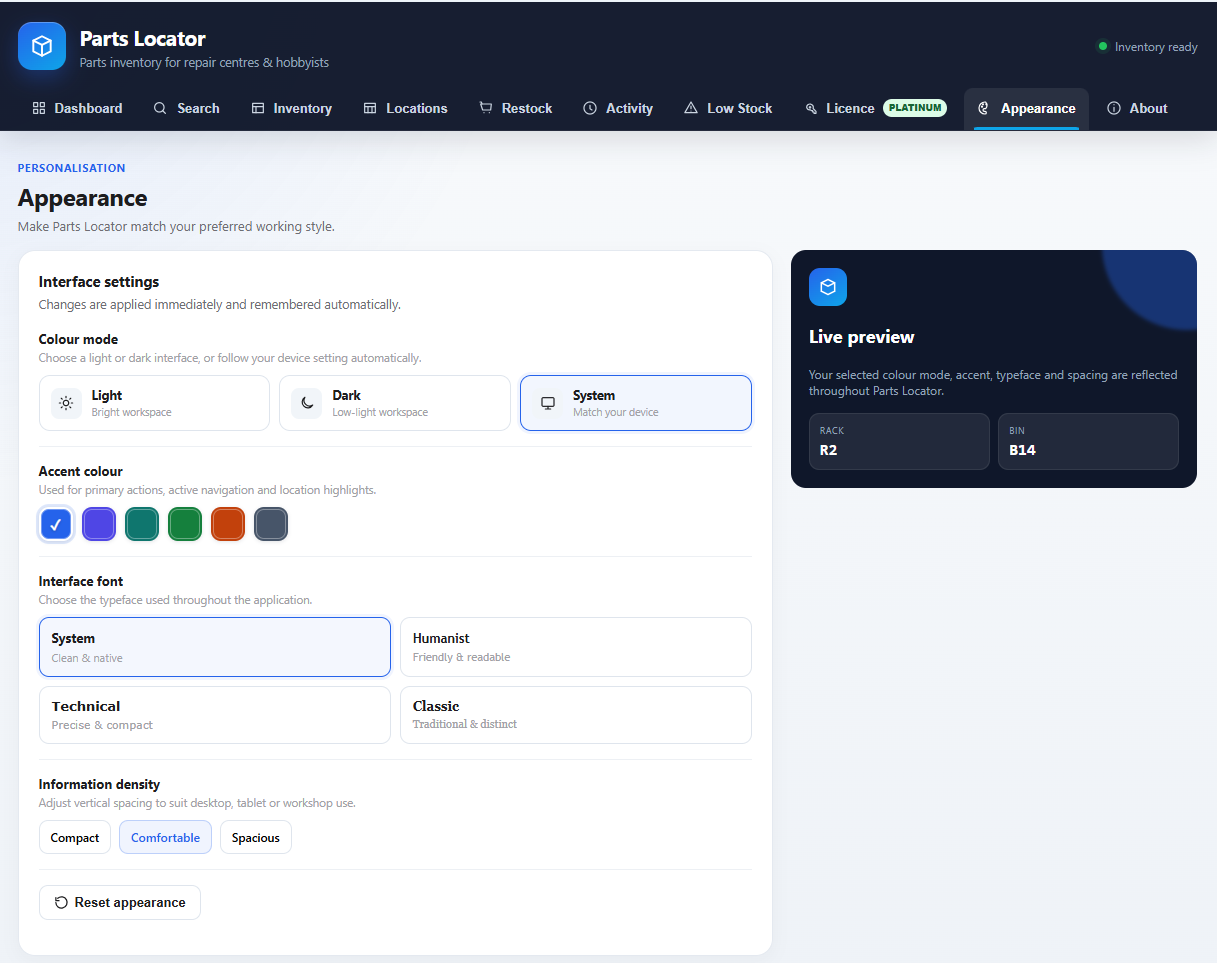
Choose light/dark mode, accent colour, fonts and information density.
Once activated, a valid device-bound paid licence continues to work offline.
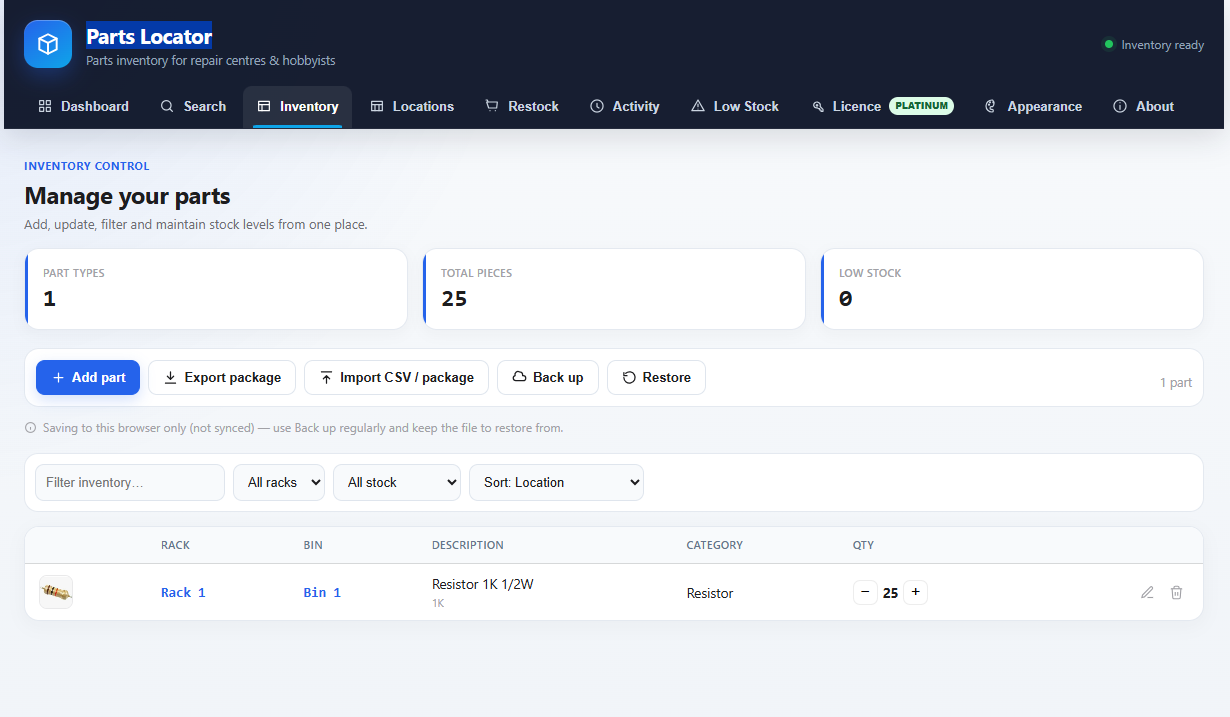
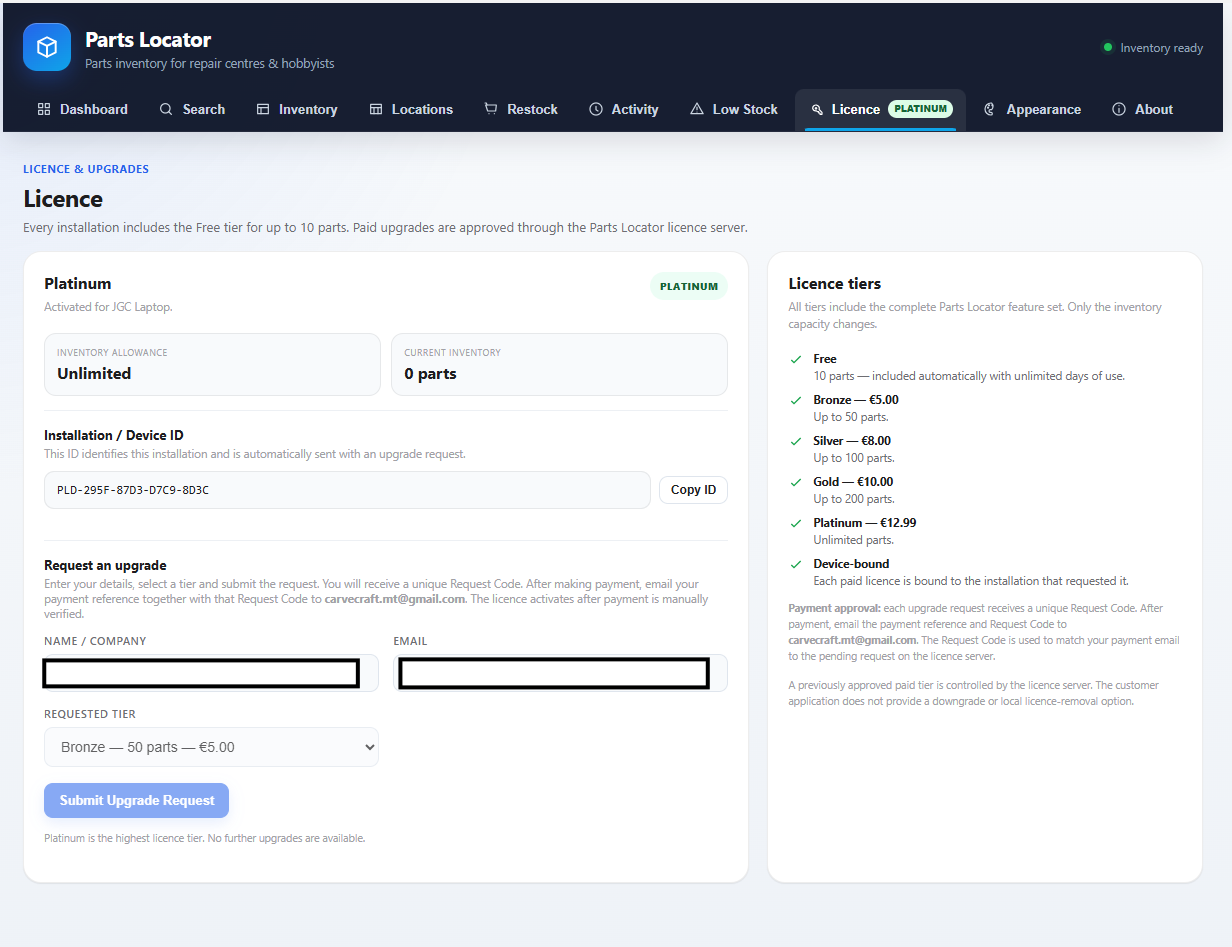
Every tier includes the complete Parts Locator feature set. Only inventory capacity changes.
Up to 10 parts
Up to 50 parts
Up to 100 parts
Up to 200 parts
Unlimited parts
Paid licences are one-time purchases and are bound to the installation/device that requested them.
Use the Quick Start Guide for the basic workflow, or the full User Manual for detailed instructions covering every major area of Parts Locator.
64-bit Windows desktop application. The public installer will be added here after the final signed build is completed.
The Free tier does not depend on a paid licence. A paid licence requires server approval/activation, but once a valid paid licence is stored locally it can remain active offline.
Inventory data is stored locally on the device. Parts Locator is not a cloud-synchronised inventory service, so regular backups are recommended.
Yes. You can move from a lower tier to any available higher tier. Same-tier and downgrade requests are not supported.
Yes. Photos can be attached to parts and displayed from the part-details view to help identify components quickly.
Yes. Parts Locator supports portable export packages, CSV import and full backup/restore functions.